
Less typing.More nattering.
All talk. All action.
Hold a key, say what you mean, let go. Just Natter turns your voice into tidy text and drops it wherever your cursor is – emails, documents, chats, forms. On Windows, processed on your own PC.
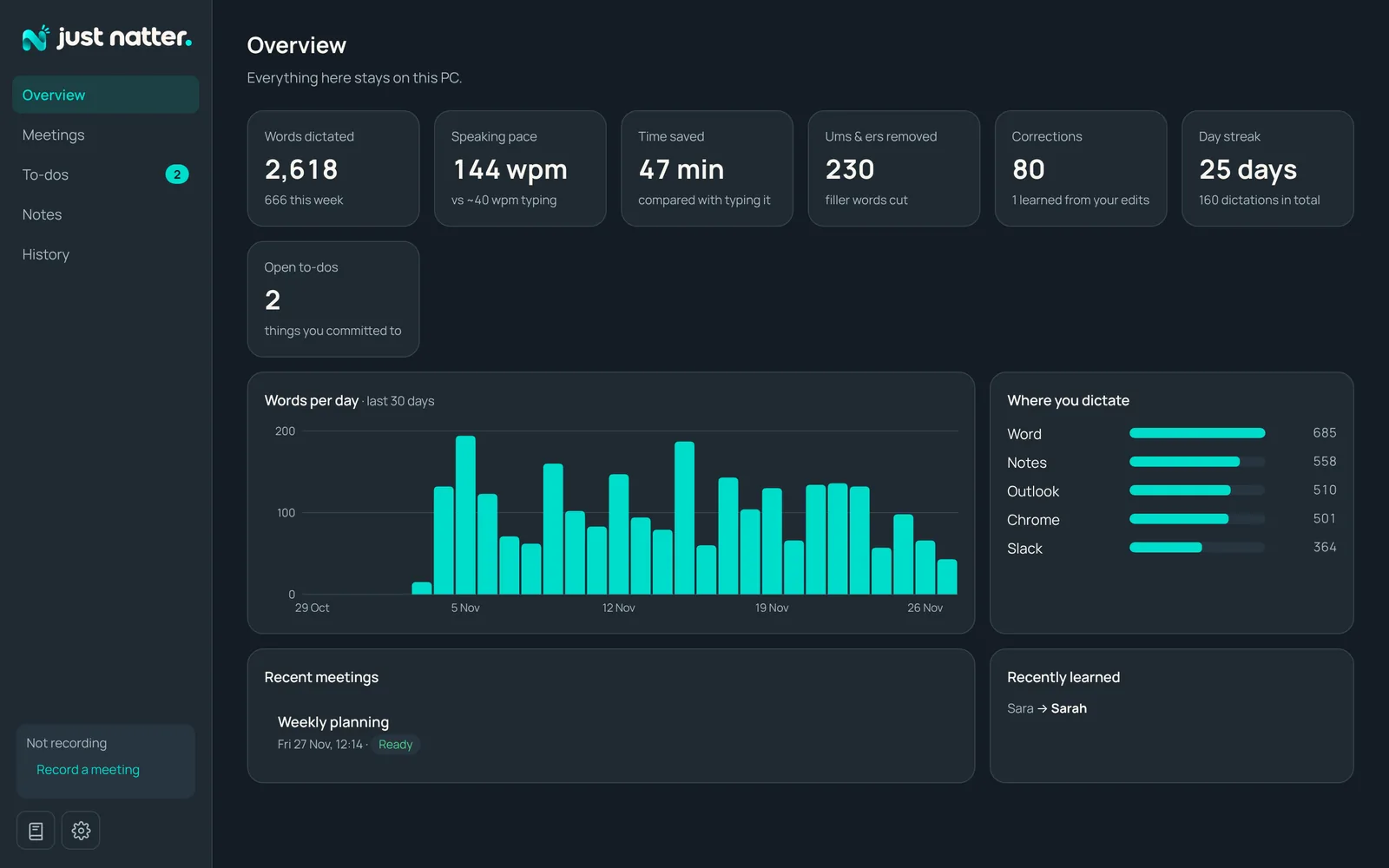
Real app screens, shown with sample data.
How it works
Don't type it. Just Natter.
Hold your key
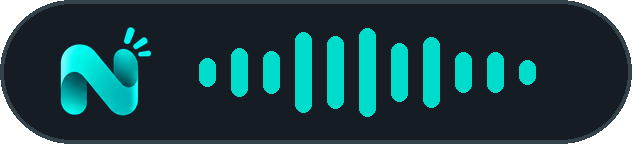
Hold Right Ctrl by default – or pick your own shortcut, or a spare mouse button. A small pill shows you're being heard.
Talk normally
Ums, false starts and "no, I mean…" are fine. Your speech is transcribed on your PC, then tidied up by a local AI model.
Let go
The text is pasted where your cursor is, in whatever app you're using. Your clipboard is put back as it was.
Features
Built for people who think faster than they type.
Dictate into any app
Works wherever you can paste text on Windows. No plug-ins, no copying across.
AI clean-up
Removes filler words, applies your corrections and formats lists. Choose light, standard or strong clean-up – or switch it off.
Your vocabulary
Add names, brands and jargon so they're spelled right. Corrections can apply only when the context fits.
See your progress
A dashboard tracks words dictated, speaking speed, estimated time saved and filler words removed.
Notes and to-dos
Brain-dump ideas by voice and group them into topics. Keep a to-do list in the same place.
Meeting notes Beta
Detects Google Meet, Teams and Zoom calls and asks before recording. Transcript and summary are made on your PC. Tell people before you record.
Inside the app
One dashboard for everything you've said.
Privacy
Your words stay on your PC.
Just Natter transcribes and tidies your speech with AI models that run on your own computer. There's no account to create and no cloud AI option in the current version.
An internet connection is needed once, to download the speech and AI models during setup. How quickly text appears depends on how powerful your PC is.
- Local speech recognition. Audio is turned into text on your machine.
- Local AI clean-up. Filler removal and formatting run through a model on your PC.
- Your data, in one folder. History, notes and settings are stored locally in your Windows user profile.
- Meetings only when you say so. Recording never starts without your click, and only for Meet, Teams or Zoom.
Download
Coming soon for Windows.
We're finishing testing and code signing before offering a public download. Check back soon.
- Platform
- Windows 10 / 11 (64-bit) To confirm
- Recommended PC
- To confirm
- Price
- To confirm
FAQ
Questions, answered.
Which apps does it work with?
Any Windows app where you can paste text – email, word processors, browsers, chat apps and forms. Just Natter pastes the text at your cursor.
Does it need the internet?
Only during setup, to download the speech and AI models. After that, dictation and clean-up run on your PC.
Will it be fast on my computer?
Speed depends on your PC's processor and memory, because everything runs locally. Recommended specifications will be published before launch.
Can I change the shortcut?
Yes. Pick a new keyboard shortcut in Settings by pressing it, or choose a spare mouse button the same way.
Does it learn my words?
You can add names and terms to your dictionary, and set corrections that apply only in the right context. It can also learn from edits you make straight after dictating, where the app you're typing in allows it.
Is meeting recording legal?
Rules vary by place and organisation. Just Natter always asks before recording, but it's your responsibility to tell everyone on the call and get consent where required.
Is there a Mac or mobile version?
Not at the moment. Just Natter is currently for Windows only.